

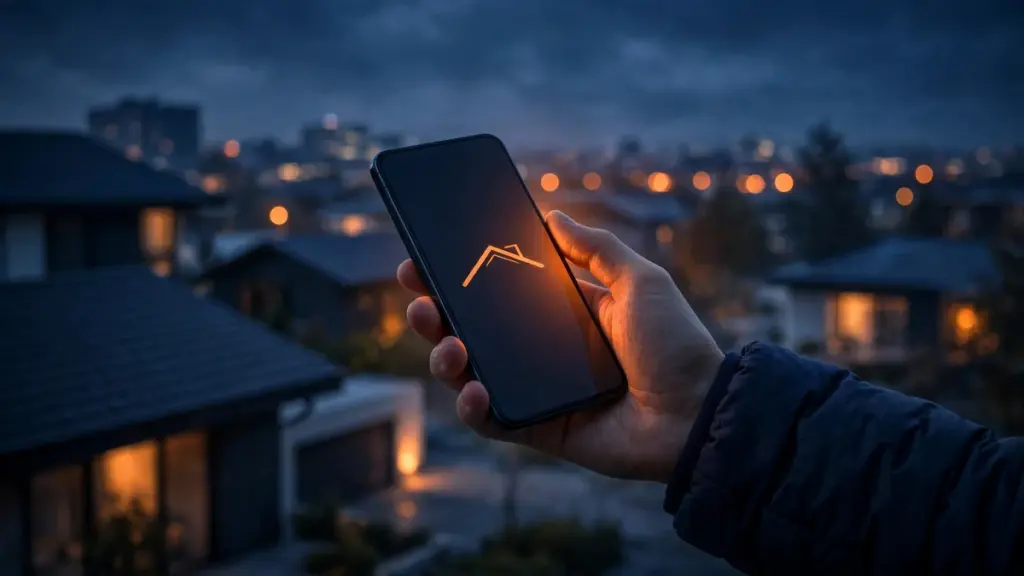
Picture the moment a homeowner decides to call a roofer. They are usually not sitting at a desk. They are standing in the driveway looking up at a missing shingle, or in the kitchen watching water drip from the ceiling, phone in one hand. They search, tap the first result that looks like a real local roofer, and judge your business in about five seconds — on a screen the size of their palm.
That is the moment your roofing website either wins the lead or loses it. For most roofing companies, the mobile version of the site is where the lead is decided.
The driveway test
Think about how a homeowner actually uses your site on a phone. They search “roofer near me” or “roof leak repair” plus their city, tap one result, and need three things fast: proof you are a real roofer nearby, a phone number they can tap, and a reason to trust you over the next result.
If your site takes too long to load, if the phone number is buried, or if the first thing they see is a wall of text they have to pinch and zoom to read, they go back and tap the next roofer. It is not a considered decision. It is a reflex — and the next roofer gets the call.
Try it yourself. Open your own website on your phone, on a regular mobile connection, not your office Wi-Fi. Could a homeowner with a leaking roof find your number and tap it within five seconds? If not, that is the first fix.
Speed is a trust signal
A slow mobile site does more than annoy people. It quietly tells a homeowner your business is not paying attention. Nobody will say that out loud — they will simply leave.
The usual culprits are heavy photos uploaded straight from a camera, videos that autoplay, and extra features nobody asked for. Compress your images before uploading them, keep videos behind a tap, and remove anything on the homepage that does not help a homeowner call you.
Make the call button impossible to miss
On a phone, the call is the conversion. Your phone number should be visible without scrolling, and tapping it should start the call — no copying, no typing, no hunting through a menu.
A sticky call button that stays on screen while the homeowner scrolls is the single most useful feature a roofing website can have on mobile. Big enough to tap with a thumb, clearly labeled, present on every page — a homeowner reading about storm damage at the bottom of a long page should not have to scroll back to the top to reach you.
Keep your contact form short too: name, phone, a line about the problem, and a send button. A form that asks for an address, a roof age, a budget range, and a preferred date before the homeowner has even spoken to you is a form that never gets submitted.
Photos that load, proof that shows
Homeowners trust what they can see. Before-and-after photos of your work are some of the strongest proof a roofing website can carry — but on mobile they only help if they load quickly and look good on a small screen. Use real photos of your own jobs, sized for the web, with a short caption saying what was done and where. A few sharp, honest photos beat a hundred heavy ones.
Reviews belong on mobile too. A short line from a real customer, shown near the call button, answers the homeowner’s unspoken question: “Can I trust this company with my roof?” Keep it brief and genuine.
The mistakes that cost mobile leads
Menus built for a desktop. If your navigation takes over the whole screen, hides the phone number, or needs three taps to reach a service page, homeowners give up. Keep the mobile menu short — Services, About, Reviews, Contact — with the call button always visible.
Text too small to read. If a homeowner has to pinch and zoom to read your service descriptions, the page was not designed for a phone. Body text should be readable at arm’s length, with short paragraphs and clear headings.
Popups that block the call button. A popup asking for an email address, covering the phone number on a small screen, is one of the fastest ways to lose a caller. Keep popups off mobile.
A homepage that tries to say everything. Your homepage on a phone is a doorway, not a brochure. One clear headline, one call button, and a short path to the service the homeowner needs is enough.
Check your site in five minutes
You do not need a developer to spot most mobile problems. Open your site on your own phone and walk through it like a homeowner with a leaking roof:
- How long does the homepage take to load?
- Can you see and tap the phone number without scrolling?
- Can you reach a service page in two taps?
- Do photos load quickly and look right?
- Does the contact form fit on the screen without sideways scrolling?
Every “no” is a lead leaking out of your website. Fix the phone number and the load speed first — they matter more than any redesign.
On mobile, your website is not competing with other roofing websites. It is competing with the back button — and the roofer whose site loads fast, shows a number, and looks trustworthy on a phone gets the call.
That is why mobile is where most roofing leads are won or lost. Get the basics right, and your local SEO and your roofing marketing will bring you traffic that actually turns into calls.
Get Your Free Google Business Profile Audit — Book a Free Call and see how your profile, local visibility, and website stack up, with a clear plan for what to fix first.