
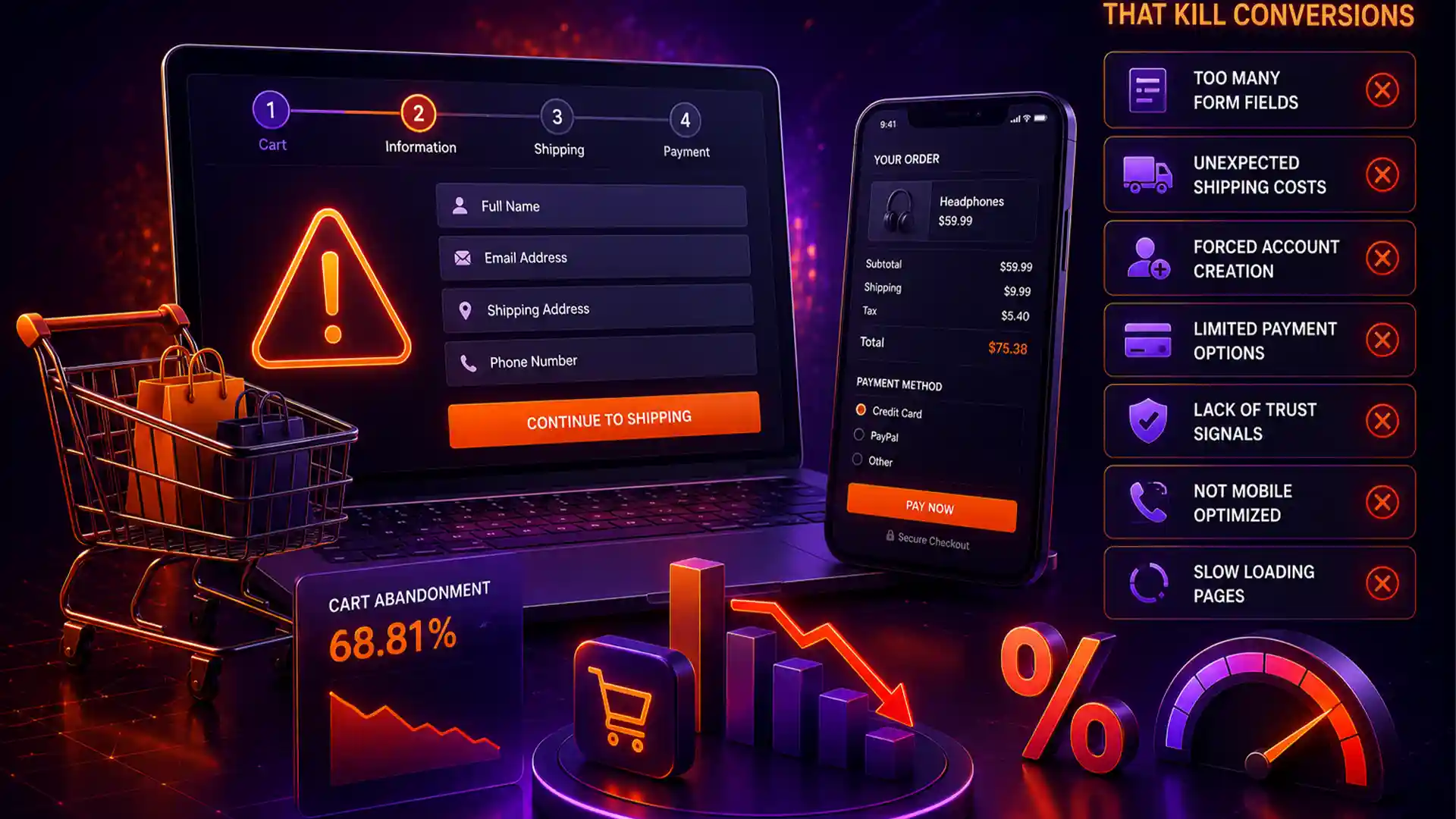
Most online stores lose far more revenue at checkout than they ever do to weak traffic or bad ads. Small friction points - an extra form field, a surprise shipping fee, a forced account signup - quietly push shoppers away right before they buy. Here's what's actually costing you conversions, and what to fix first.
WHAT'S IN THIS GUIDE
Why Checkout Friction Costs More Than You Think
By the time a shopper reaches checkout, they've already decided to buy - they found your product, liked the price, and added it to their cart. Losing them at this stage is the most expensive kind of drop-off in eCommerce, because you've already paid for the traffic and done the hard part of convincing them. A clunky checkout throws that work away in the last 60 seconds.
10 Checkout Mistakes to Fix
Surprise Costs at the Final Step
Shipping fees, taxes, or handling charges that only appear on the last screen feel like a bait-and-switch, even when unintentional.
Forcing Account Creation
Requiring a full account signup before purchase is one of the most consistently cited reasons shoppers abandon carts.
Too Many Form Fields
Asking for a company name, fax number, or duplicate address fields most stores don't actually need adds friction for no benefit.
No Progress Indicator
Shoppers who don't know how many steps remain are more likely to give up partway through, unsure how much longer it will take.
Limited Payment Options
Only offering credit card payment excludes shoppers who prefer PayPal, Apple Pay, or buy-now-pay-later options.
Slow-Loading Checkout Pages
Every extra second of load time at checkout directly correlates with higher abandonment — shoppers assume something's broken.
Unclear Error Messages
A generic "there was an error" message with no explanation leaves shoppers unsure what went wrong or how to fix it.
No Trust Signals Near Payment
Shoppers hesitate to enter card details on a page that doesn't visibly look secure, especially on unfamiliar smaller stores.
Poor Mobile Checkout Experience
Tiny tap targets, fields that don't trigger the right mobile keyboard, or layouts that require pinch-zooming lose mobile shoppers fast.
No Abandoned Cart Recovery
Even a well-designed checkout will lose some shoppers — not following up means losing them for good.
Which Fixes Have the Biggest Impact
| Checkout Issue | Typical Impact | Effort to Fix |
|---|---|---|
| Surprise shipping/tax costs | High abandonment increase | Low |
| Forced account creation | High abandonment increase | Low |
| Slow page load | Moderate-high impact | Medium |
| Limited payment options | Moderate impact | Medium |
| No progress indicator | Moderate impact | Low |
| No abandoned cart emails | Lost recoverable revenue | Low |
How to Audit Your Own Checkout This Week
- Buy something from your own store on both desktop and mobile, and note every moment of hesitation or confusion.
- Check your analytics funnel for the exact step where most customers drop off.
- Review your cart abandonment emails — if you don't have any set up, that's your fastest win this month.
- Ask a friend to check out without guidance and watch where they get stuck.
Frequently Asked Questions
What is the average cart abandonment rate for eCommerce stores?
Industry studies typically put average cart abandonment between 65-75%, though stores with a poor checkout experience often sit well above that range.
Does forcing account creation really hurt conversions?
Yes. Requiring an account before checkout is consistently one of the top reasons shoppers abandon a cart. Offering a guest checkout option alongside account creation reduces this friction significantly.
How many steps should a checkout process have?
There's no universal number, but fewer is generally better. Most well-performing checkouts use 2-3 steps (information, shipping, payment) rather than splitting every field onto its own page.
What's the single highest-impact checkout fix?
Removing surprise costs - shipping, taxes, or fees that appear for the first time at the final step - consistently has the largest measurable impact on completed checkouts.